After taking this course, the learner will be familiar with the steps to take in order to access a GroupWise account through WebAccess from a Web browser. The course also explains how to manage a GroupWise Mailbox through a handheld device.
Class goals :
Launch GroupWise WebAccess
Attach a file to an email message
Manage your Address Book
Configure Mailbox options
Manage your GroupWise Mailbox from your PDA
Content of GroupWise 6.5 Series: Mobile GroupWise Access
Exploring GroupWise WebAccess
Sending messages with WebAccess
Working with other WebAccess features
Using GroupWise with wireless devices
Training GroupWise 6.5 Series
Onze voordelen :
Type of training: Inter-company, intra-company and individual
100% flexible & personalised training : You choose the place, the dates and the training program
Offer request : Response within 24 hours
50% discount for SME’s from Brussels-Capital Region
Free parking, lunch & drinks
Free use of our Digital Competence Centre: Manuals, courses, exercises, …
This course and uses of other peripherals available for a PC including modems, sound cards, scanners, digital cameras, and external disk drives and explains how to install these peripherals.
Class goals :
Connect and use a modem
Utilize sound on a PC
Create and edit images
Identify and install peripherals
Content of Introduction to PCs Series: Other Peripherals
Defining Modems
Types of Modems
Connecting a Modem to Your PC
Using a Modem
Sound on a PC
Using Sound in Windows
Using Other Sound Features
Scanners and Digital Cameras
Moving Images to a PC
Editing Images
Installing Peripherals
Identifying Popular Peripherals
Upgrading Your PC
Training Introduction to PCs Series
Onze voordelen :
Type of training: Inter-company, intra-company and individual
100% flexible & personalised training : You choose the place, the dates and the training program
Offer request : Response within 24 hours
50% discount for SME’s from Brussels-Capital Region
Free parking, lunch & drinks
Free use of our Digital Competence Centre: Manuals, courses, exercises, …
After taking this course, the learner will be able to open a Web browsing application, search for information on the Web, and use electronic mail to send and receive messages.
Class goals :
Open and close a Web browsing application
Display a Web page
Search the Web for information and navigate among pages
Open and close an electronic mail application
Create, send, receive, save, reply to, and forward a message
Use an address book
Content of PC Applications Series: Information and Communication
Internet concepts
Security considerations
Using a Web browser
Adjusting settings
Accessing Web pages
Using bookmarks
Using a search engine
Printing Web pages
E-mail concepts and security considerations
Opening and closing an e-mail application
Using help
Adjusting settings
Reading mail messages
Replying to mail messages
Sending mail messages
Advanced messaging options
Copying, moving, and deleting messages
Mail management techniques
Using address books
Organizing messages
Printing messages
Training PC Applications Series
Onze voordelen :
Type of training: Inter-company, intra-company and individual
100% flexible & personalised training : You choose the place, the dates and the training program
Offer request : Response within 24 hours
50% discount for SME’s from Brussels-Capital Region
Free parking, lunch & drinks
Free use of our Digital Competence Centre: Manuals, courses, exercises, …
After taking this course, the learner will be able to work with a presentation application to insert, manipulate, and format text, images, and slides. The learner will also be able to draw objects and produce charts for a presentation; print and distribute a presentation; and add special effects to a slide presentation.
Class goals :
Create, format, save, open, revise, and close a presentation document
Export a presentation document to an application or Web site
Add text and an images to a slide
Use a master slide
Preview and print a presentation document
Add special effects and deliver the slide show
Content of PC Applications Series: Presentation
Opening and closing an application and presentations
Using help
Adjusting settings
Presentation views
Slides and design templates
The master slide
Adding and editing text
Formatting the slide layout
Inserting images
Creating charts and graphs
Creating organizational charts
Drawing objects
Editing drawn objects
Copying, moving, and deleting objects
Adding slide show effects
Preparing presentations
Printing and delivering a presentation
Training PC Apllications Series
Onze voordelen :
Type of training: Inter-company, intra-company and individual
100% flexible & personalised training : You choose the place, the dates and the training program
Offer request : Response within 24 hours
50% discount for SME’s from Brussels-Capital Region
Free parking, lunch & drinks
Free use of our Digital Competence Centre: Manuals, courses, exercises, …

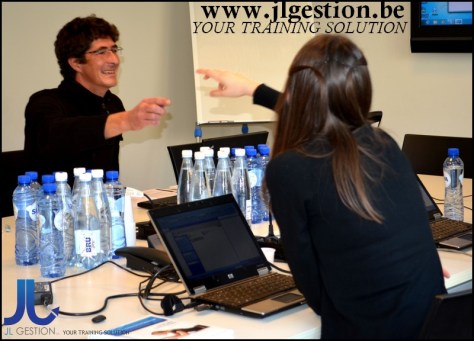
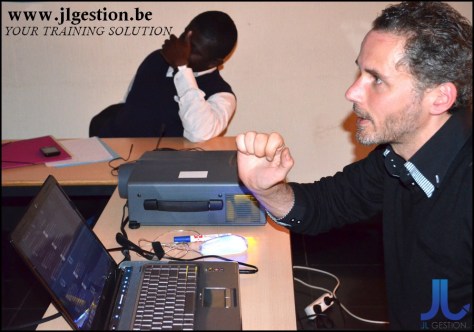
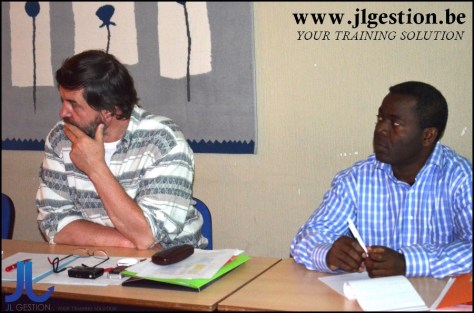
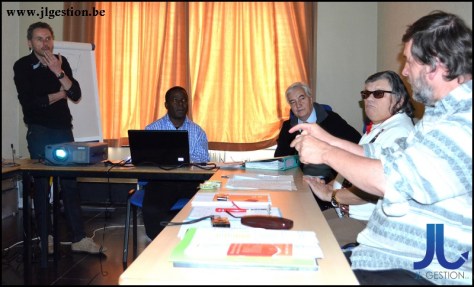
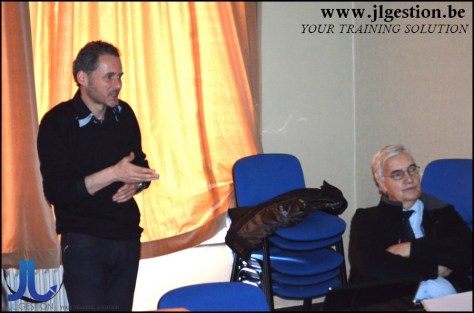

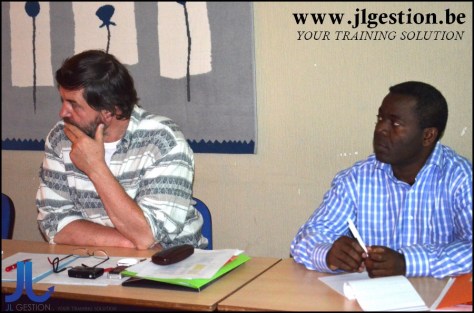


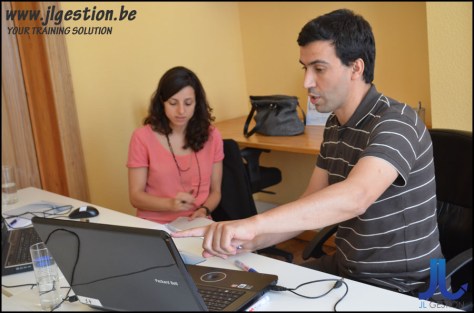
 Training-brussels - business training center in Brussels