In this WordPress training class, you will start with the basics of setting up WordPress and learn how to create and maintain a successful WordPress site.
Class goals :
Learn how to get started with WordPress, create new content, and import existing content.
Learn to change what appears on a home page, blog post, and more.
Learn to handle media uploads, audio/video players, and podcasting.
Learn to create themes, widgets, and plugins.
Learn to publish, move, maintain, and secure your WordPress sites.
This course introduces the new look and features of Internet Explorer 7. You’ll learn how to use tabbed browsing, RSS feeds, and new Web search and printing tools. You’ll also learn how IE7 can help you avoid dangerous Web sites that try to phish for your personal information.
Class goals :
Describe the basic features of the Internet Explorer 7 interface
Open a web site in a new tab
Set a group of tabs as your Home or as a Favorite
Set the search providers available through the Instant Search box
Subscribe to an RSS feed
View your RSS feeds from the Favorites Center
Check a web site for phishing activity
Turn on Internet Explorer’s automatic Phishing Filter
Content of Internet Explorer 7 Series: Learning the New Interface and Features
The New Look
Tabbed Browsing
Searching the Web
Using RSS Feeds
Preventing Phishing Attacks
Training Internet Explorer 7 Series
Onze voordelen :
Type of training: Inter-company, intra-company and individual
100% flexible & personalised training : You choose the place, the dates and the training program
Offer request : Response within 24 hours
50% discount for SME’s from Brussels-Capital Region
Free parking, lunch & drinks
Free use of our Digital Competence Centre: Manuals, courses, exercises, …



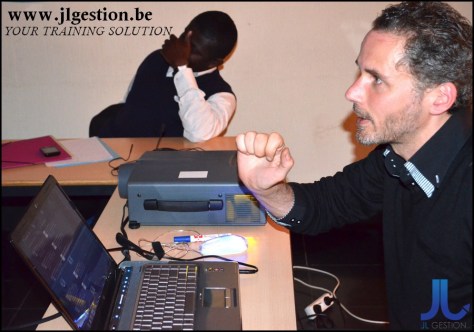
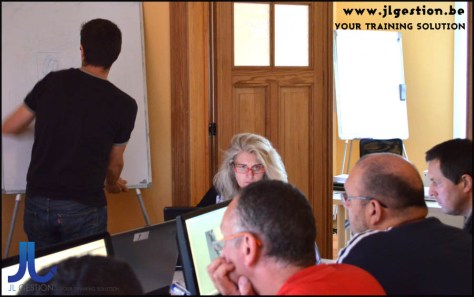
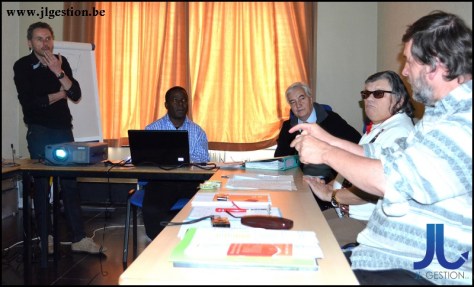
 Training-brussels - business training center in Brussels